
The calm way to track expiry dates

Remember it before it expires.

Food, medicine, documents, renewals. Keep every important date in one calm place.

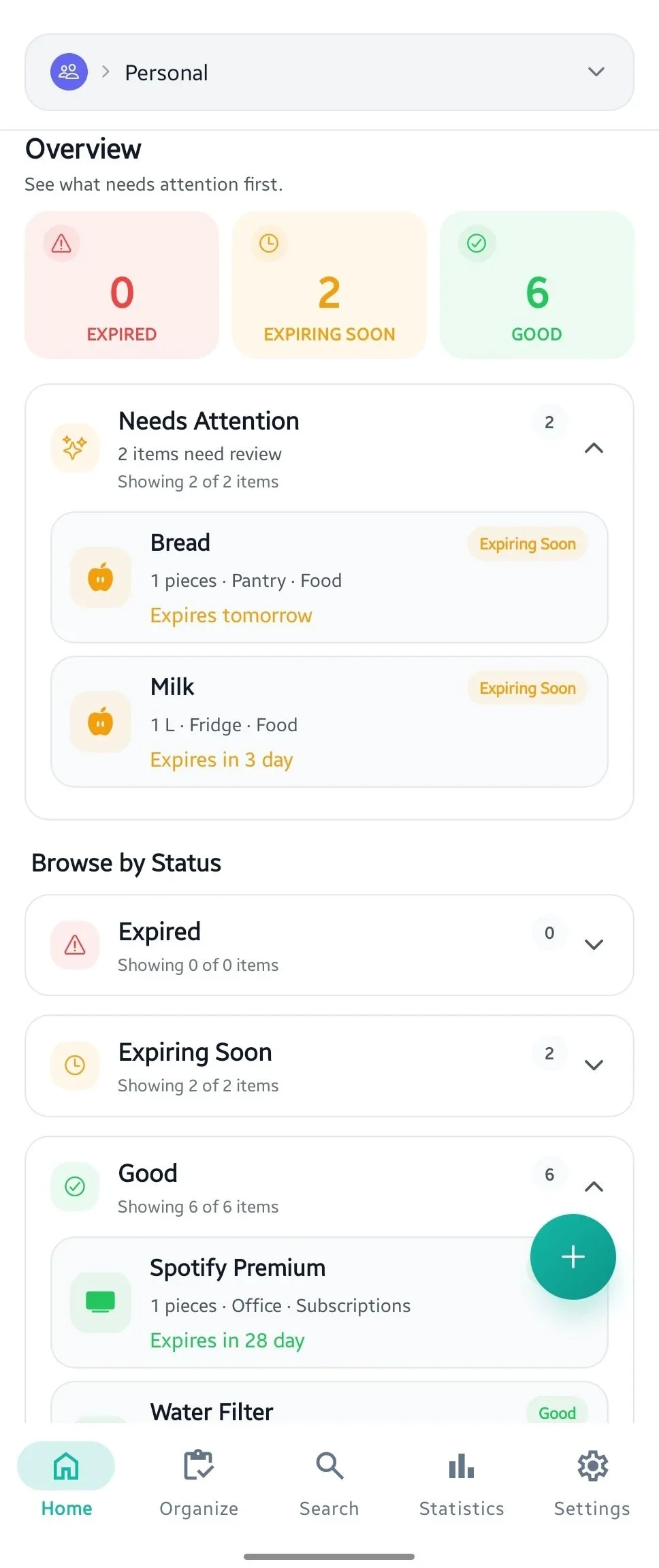
Evermind Home screen showing expiry status totals and items that need attention
Less mental clutter

Give Evermind the date. Get it off your mind.

A quick capture becomes a timely reminder—with everything organized in between.

  1. Capture

    Save it while it’s top of mind.

    Type a few details or snap a photo. Evermind helps turn the moment into a useful record.

  2. Organize

    Put it where you’d look.

    Choose a space, category, or location, so finding it later feels obvious.

  3. Stay ahead

    Get the nudge, not the surprise.

    Evermind keeps watch and brings the date back with enough time to act.

Try it

Browse by locations or categories.

A sample home inventory—open one filter at a time to see how Evermind keeps related items together.

In Bathroom8 items
Tagged by category
  • Contact Solution1 bottlesMedicine3 months
  • Face Cream1 jarsCosmetics3 months
  • Lip Balm2 tubesCosmetics4 months
  • Sunscreen1 bottlesCosmetics5 months
  • Body Lotion1 bottlesCosmetics5 months
  • Smoke Detector Battery1 piecesHousehold6 months
  • Shampoo1 bottlesCosmetics7 months
  • Cleaning Spray1 bottlesHousehold10 months
Make it yours.

This is only a sample. In Evermind, create your own locations and categories for food, meds, documents, renewals—or anything else you need to track.

Create your own setup
Designed around your day

Clear when you need it. Quiet when you don’t.

Evermind Home screen showing expiry status totals and items that need attention
At a glance

See what needs attention.

Open Evermind and know what is due, what can wait, and what is already handled.

One calm view. No digging.
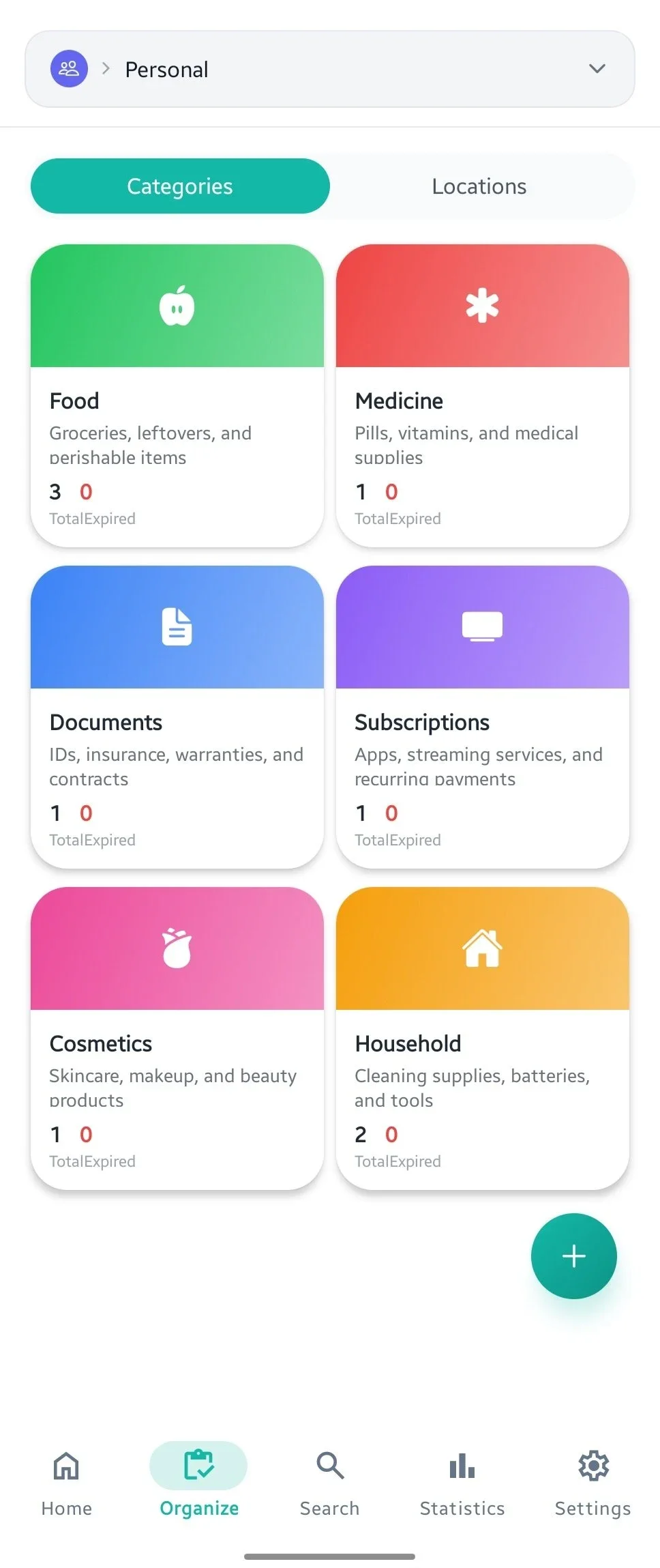
Evermind Organize screen showing items grouped into colorful category cards with a location view option
Categories & locations

Everything has a place.

Browse by category or location instead of searching through one long list.

Organized around the way your home works.
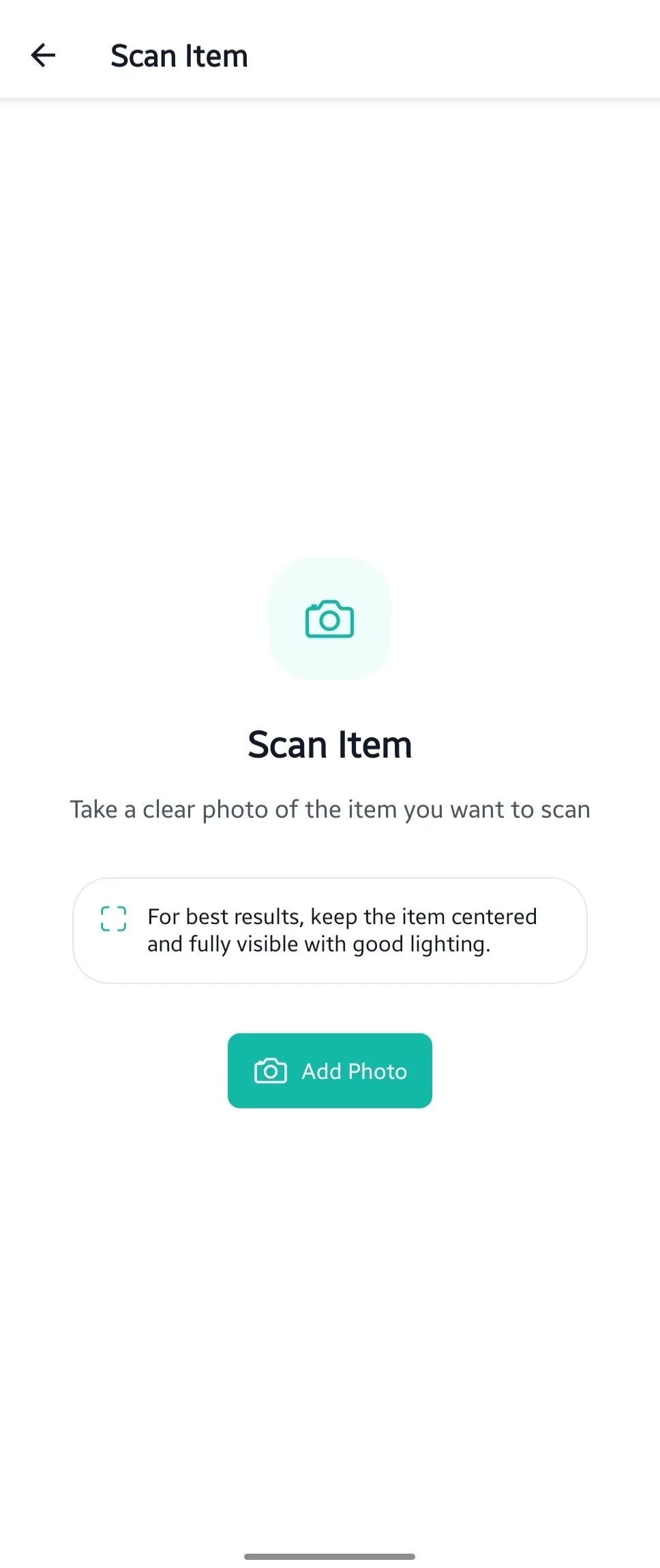
Evermind AI Scan screen for adding an item from a clear photo
Quick capture

Take a photo. Keep moving.

Photograph an item and let Evermind help turn it into a record.

Less typing. More follow-through.
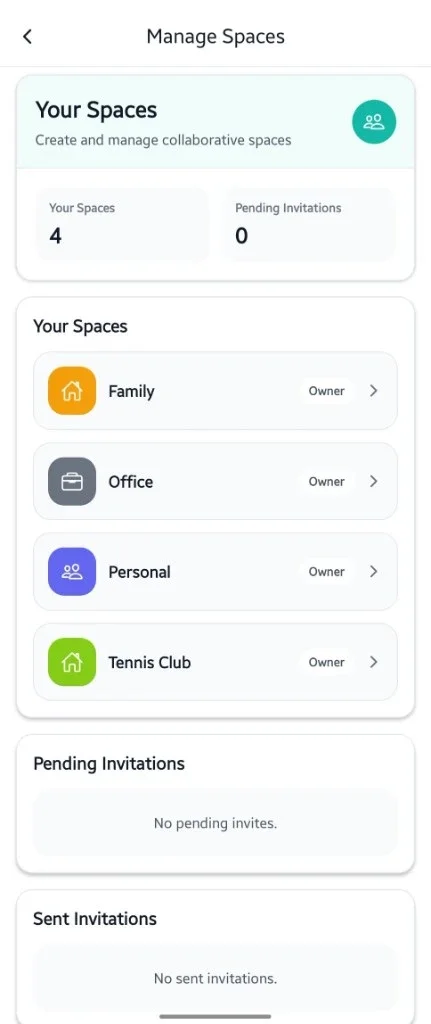
Evermind Manage Spaces screen showing shared spaces, ownership, and invitation status
Shared spaces

Keep the family in sync.

Create spaces, invite the people you trust, and manage everyday items together.

See every space and invite in one place.
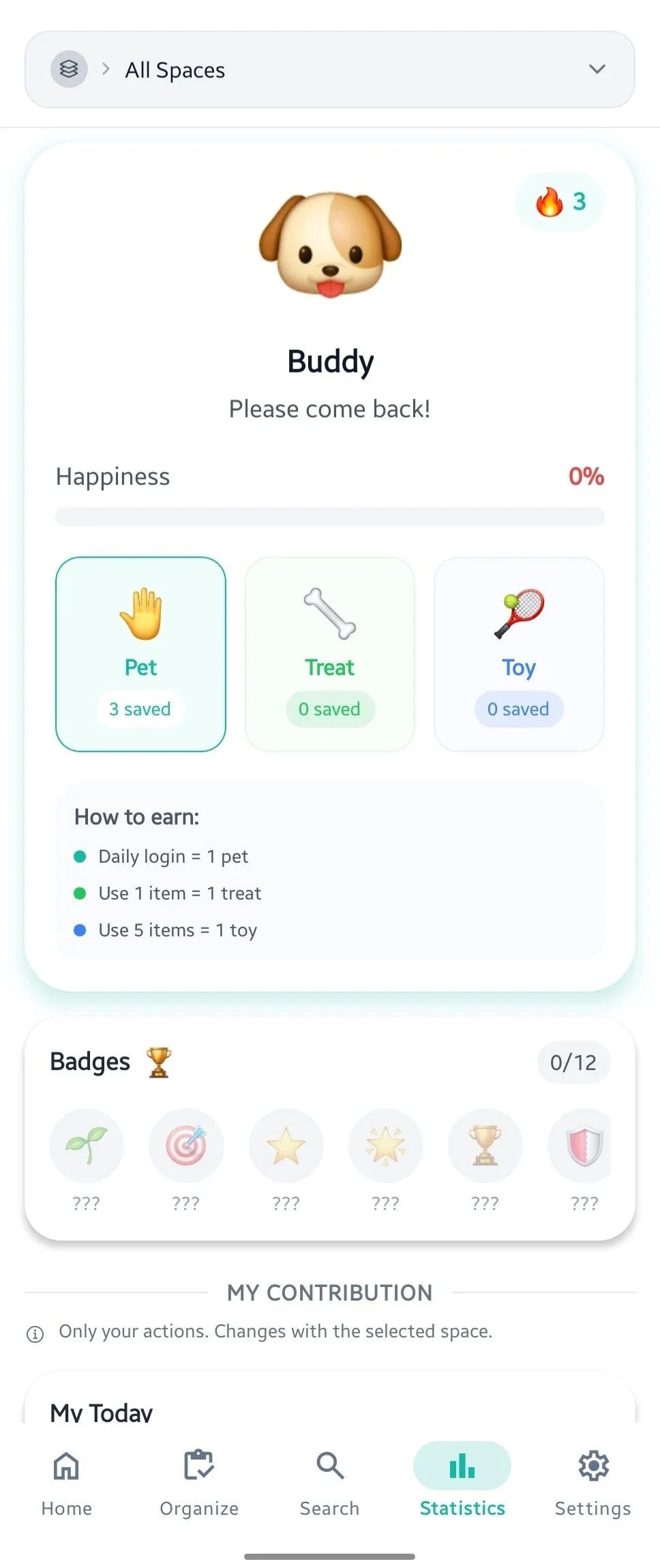
Evermind Buddy screen showing happiness, rewards, badges, and contribution progress
Small wins

Make follow-through feel rewarding.

Buddy turns everyday actions into progress, rewards, and badges you can build on.

A little motivation, built in.
A little more peace of mind

Your memory has better things to do.

Evermind is coming soon to iOS and Android.

Coming soon oniOSComing soon onAndroid